

All summer, there was no real bedtime. Kids stayed up, slept in, and nobody had to care much. That worked fine in July.
School just started in Hendry County. There is a 6 AM alarm in your house again.
So the math changed overnight. A kid on a phone until one in the morning used to be a summer problem you could shrug at. This week it is a kid asleep in third period.
Nothing about your internet changed. What changed is the schedule, and the screen rules you set back in May were built for a different one.
Here is the good news. You do not have to police it every night. You can set a few rules that run themselves, so the phone goes quiet at bedtime whether you remembered or not.
It takes about ten minutes, and it happens in two places: on your kids’ devices, and on your home network.
1. Start with the devices tonight
Rules you set on a phone or tablet travel with it. School, a friend’s house, the truck, anywhere. That makes this the first move.
- iPhone or iPad: open Settings, then Screen Time.
- Android: install Google Family Link, a free app from Google.
Both let you set downtime hours, limit which apps run, block purchases, and approve new installs before they happen.
Set downtime to start at bedtime. Do that one thing tonight, and you have covered the device your child spends the most hours on.

2. Then set rules for the whole house
Device rules cover one kid’s phone. Network rules cover everything under your roof at once: the game console, the smart TV, the tablet that never leaves the couch.
On your router, look for a section called Parental Controls, Family, or Profiles. Newer systems put it in a phone app. Older ones make you sign in through a web page.
Two things are worth setting up:
- Group each kid’s devices under their name. Laptop, tablet, phone, console, all in one place. Now you control one thing instead of six.
- Put that group on a schedule. The internet shuts off at the times you choose and comes back on by itself.
Set three: homework hour, dinner, and bedtime.
Bedtime deserves its own paragraph. Most of the trouble kids find online happens late at night, alone, in a bedroom. A rule that cuts Wi-Fi at 9:30 does more good than any filter you can buy. It is not about trusting your kid. It is about not leaving a door open all night.
Now, a caveat that matters. How well this works depends entirely on your equipment. Router quality varies enormously, and a lot of the boxes big providers handed out years ago have thin parental controls or none at all. If you go looking and find nothing useful, that is not you missing a menu. It is the hardware.
How it works on ours
Streamline installs eero mesh Wi-Fi at every home we connect, and this is one of the reasons we chose it.
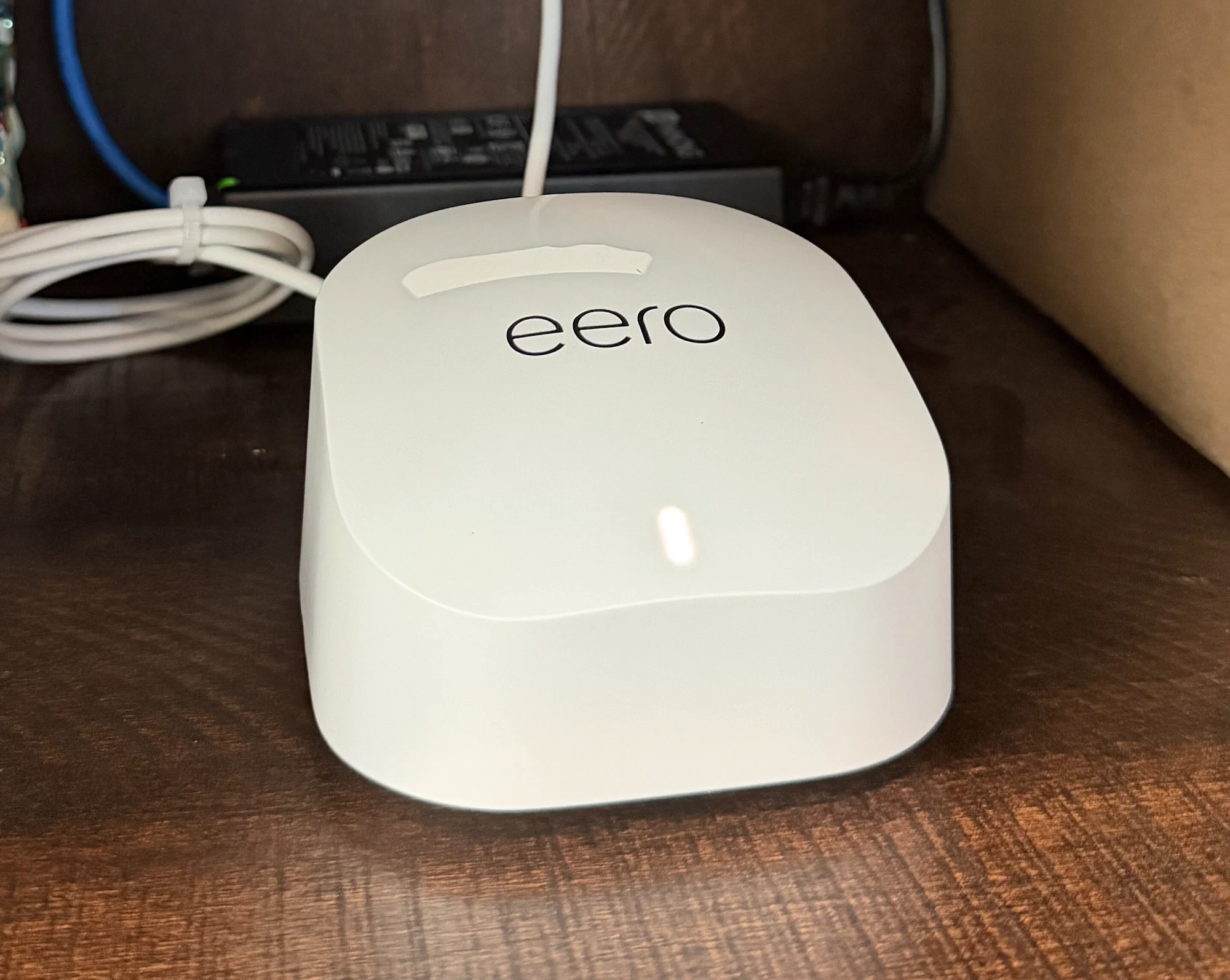
Profiles, schedules, and on-demand pausing are included free. You group a kid’s devices under one profile, set the schedule once, and it runs. You can also pause a profile instantly from your phone, from anywhere, including the checkout line at the Walmart on Hickpochee.
And you do not have to figure it out yourself. Just tell your installer your kids’ names and which devices belong to each one. The technician builds the profiles and sets the schedules before leaving your driveway. No charge, and no manual to read.
Have your kids' rules set up before the tech leaves.
We build the profiles and schedules during your install, at no extra cost. See if Streamline covers your address.
Check availability3. Filters are the part that costs money
Everything above is included. Blocking whole categories of websites usually is not. That is true on most systems, and it is worth knowing before you go shopping.
On eero, filters come with eero Plus, a subscription that runs about $10 a month. You pick what to block for each kid: adult content, social media, chat apps, or streaming. There are preset levels for Pre-K, Pre-Teen, Teen, and Adult, so you are not building a list from scratch.
Whether it earns the money depends on your kids’ ages. For young children, filters help a lot. For teenagers, schedules and conversation do more, because teenagers route around filters.
Start with the free tools. Add filters later if you decide you want them.
4. Know where your rules stop
This is the part nobody tells parents, and it matters more than any setting.
Home network rules only work on your home Wi-Fi.
If your child has a phone with a cell plan, they can switch off Wi-Fi and skip every rule you made. Your schedule stops applying. Your filter stops applying. The phone quietly uses the cell network instead.
That is exactly why step one comes first. The phone rules keep working when the Wi-Fi rules cannot reach.
One more thing worth knowing. School-issued laptops usually carry the district’s own filter, and it follows the device home. That is why a school Chromebook can block things your home network allows. That is normal, and no internet provider can change it.
5. Two new Florida rules to know
Both of these are new enough that plenty of parents have not heard about them yet.
Phones at school. Florida law now requires phones to stay put away for the entire school day in grades K through 8. High school students cannot use them during class unless a teacher says so for a lesson. Districts are allowed to be stricter than the state, so check the Hendry County student handbook for your child’s school.
Social media under 14. Florida bars children under 14 from having social media accounts, and 14- and 15-year-olds need a parent’s permission. Tech companies are still fighting it in court, but the state is enforcing it now. If your under-14 child has an account, expect it to disappear, and expect to hear about it at dinner.
6. The conversation that beats every setting
No app will do this part for you.
The fastest-growing online threat to teenagers right now is not a virus. It is a scam called sextortion. Someone poses as a teenager, usually a girl, and befriends a kid on social media or in a game. They talk for a while. They talk the kid into sending a photo. Then the threats start: pay up, or this goes to everyone you know.
It targets boys most of all. The FBI and Homeland Security logged more than 13,000 reports of financially motivated sextortion of minors in about eighteen months, involving over 12,600 victims. The FBI knows of more than 20 teenagers who died by suicide because of it.
Kids do not tell their parents. They are humiliated, and they are terrified of getting in trouble. The silence is what makes it deadly.
So say this out loud, tonight, before anything happens:
If anything online ever goes wrong, come to me. You will not be in trouble. I will not take your phone away. We will fix it together.
Then mean it. A kid who believes that sentence tells you on day one instead of day thirty.

If it does happen: do not pay. Paying does not stop it and usually brings more demands. Save the messages and the username, block the account, and report it at tips.fbi.gov or 1-800-CALL-FBI. Your child is the victim of a crime, not the cause of one.
Get ahead of it instead of reacting to it.
Our technicians set up parental controls with you at install, and can add content filtering if you want it. See if Streamline covers your address.
Check availabilityThe ten-minute version
If you do four things this week:
- Turn on Screen Time or Family Link on every kid’s phone.
- Group each kid’s devices on your router and give them a bedtime.
- Remember that cell data skips your home rules entirely.
- Tell your kids they can come to you and not be in trouble.
Those four cover more ground than most paid software, and three of them are free.
We will set it up with you
We are a local company. Our own kids go to these schools, and they came home with the same supply lists yours did.
So when our technician installs your service, ask. We will build the profiles, sort the devices, and set the homework and bedtime schedules while we are there. It takes about twenty minutes and it costs nothing.
Already with us? Call and we will walk you through it on the phone.
We would rather spend that twenty minutes with you now than have you discover in November that none of it was ever turned on.
Local internet, set up right, from people down the road.
Streamline serves LaBelle, Port LaBelle, Felda, Fort Denaud, and Golden Gate Estates. See if we reach your address.
Check availability