

Every online safety article starts the same way. Get a VPN.
A VPN hides your traffic from your internet provider and from coffee shop Wi-Fi. That is all it does. It will not stop the fake toll text on your phone. It will not patch the Windows computer that stopped getting updates last fall. It will not help that half of LaBelle knows your Wi-Fi password.
Here are five things that actually work. They go from “five minutes” to “a habit.”
1. Open your router app. It has features you paid for.
Most Streamline installs use eero mesh Wi-Fi. Most people never open the eero app again after the tech leaves. That is a waste, because a few settings in there matter.
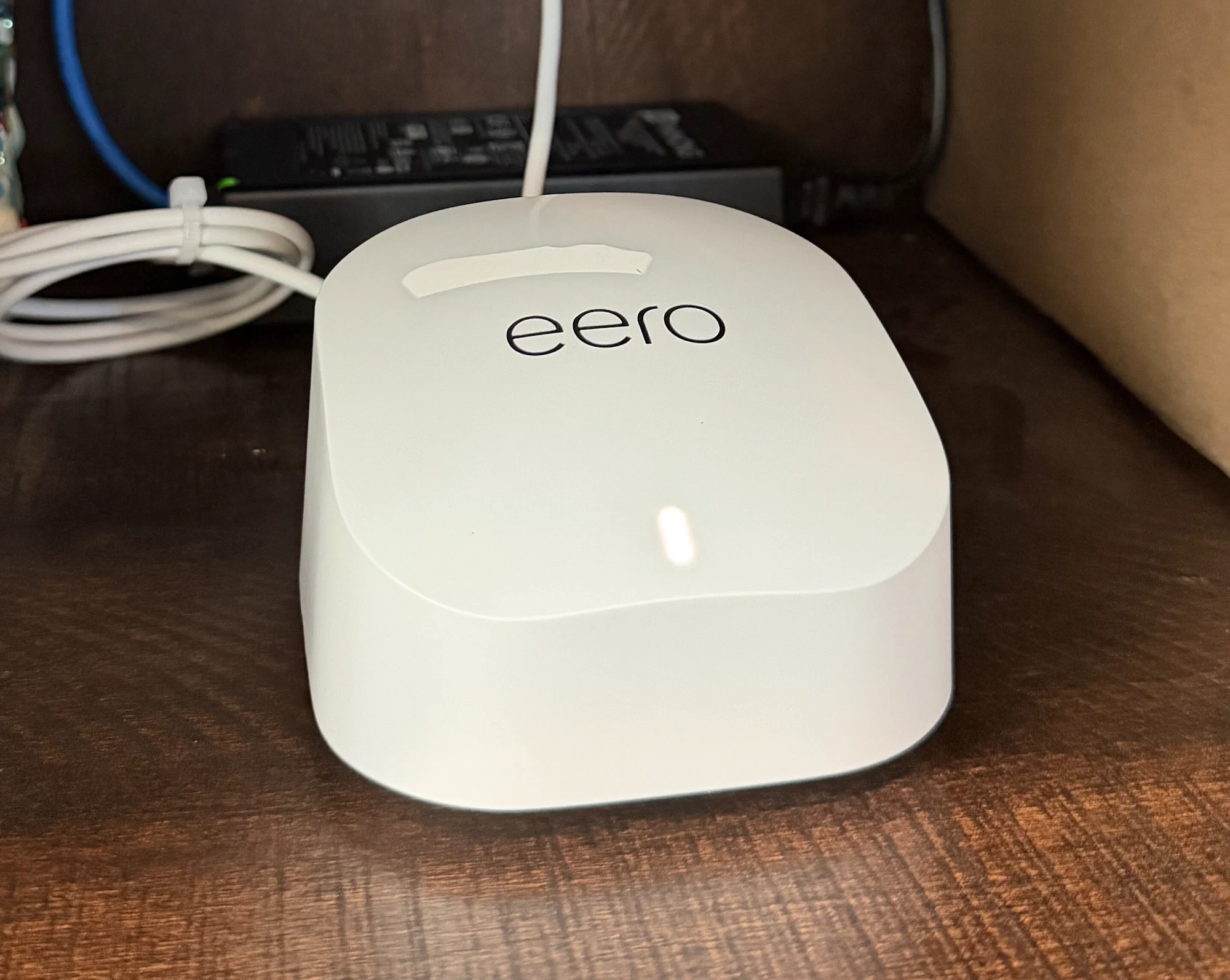
Turn on the guest network. This is the big one. A guest network is a second Wi-Fi name. Devices on it are walled off from your main network. Put your visitors on it. Put contractors on it. Put every cheap smart plug, camera, and TV on it. None of them can reach your laptop or your files. eero’s app can even show a QR code that guests scan to join. Nobody has to read your password out loud.
Check that updates are on. Then pick a good time for them. eero installs its own software updates over the air. That is how security holes get closed without you lifting a finger. In the app you can set a preferred update time. Make it 4 AM, not the middle of a Bucs game. Set it once and forget it.
Learn where the pause button is. You can pause the internet for one device or one person from your phone. It is sold as a parental control. It is also the fastest way to cut off a device that is acting strange.
Lock down the app itself. Your eero has no admin page on your home network. The app is the front door. It is tied to your email or phone number. Anyone who gets into that account gets into your network. Use a strong password on that email. Turn on two-factor authentication.
Want a network somebody actually maintains?
Streamline installs good equipment and keeps the software updated for you. See if we cover your address.
Check availability2. Change your Wi-Fi password once in a while
Think about who knows your Wi-Fi password right now.
The AC guy from two summers ago. The pest control company. Your daughter’s ex-boyfriend. The house sitter. That one neighbor. Your Wi-Fi password is the one password you have never changed and have handed to a dozen near-strangers.
You do not need to change it every month. That is busywork. Change it when something happens:
- A contractor or service company finished a job at the house
- Someone moved out
- You had a renter, a house sitter, or a long-term guest
- You sold or gave away a phone, tablet, or laptop that had it saved
- It has been a few years and you honestly do not know who has it
Then stop handing out the new one. That is what the guest network is for. Your devices get the main password. Everyone else gets the guest QR code.
Use a passphrase, not a scramble. Three unrelated words plus two digits beats Xk9#mQ2!. It is harder to crack and much easier to read out loud. You will read it out loud.
One warning. After you change it, you have to reconnect everything. The TV. The printer. The thermostat. The four things you forgot about. Do it on a Saturday.
3. Install the updates. All of them.
Most digital break-ins use a hole that was already patched. The fix existed. Nobody installed it.
Windows 10 is urgent. Microsoft ended support on October 14, 2025. If you are still on Windows 10 and did nothing, your computer has been running without security patches. You have three options. Best: upgrade to Windows 11 if your hardware allows it. Next: buy a new machine. Or: enroll in the Extended Security Updates program, which keeps critical security fixes coming through October 12, 2027. You will find it under Settings → Update and Security → Windows Update. It needs Windows 10 version 22H2 and a Microsoft account. It is free if you turn on Windows Backup settings sync. Otherwise it is $30 once, and that covers up to 10 devices on the same account.
Your phone matters more than your computer. It holds your bank, your email, your photos, and your two-factor codes. If your phone stopped getting updates years ago, it is the weakest thing you own. Check Settings → About and look for the last security update date.
Do not forget the boring stuff. Smart TVs. Printers. Cameras. Doorbells. Thermostats. Manufacturers sell these and then abandon them. You cannot patch what the maker will not patch. That is exactly why the guest network matters. If your ten-year-old camera gets taken over, it is stuck in the guest lane. It cannot reach anything that counts.
Turn on automatic updates everywhere you can. “Remind me tomorrow” is how six months go by.
4. Treat every message as fake until it proves itself
The FTC says people reported a record $15.9 billion lost to fraud in 2025. That is up from $12.5 billion the year before. Imposter scams alone took $3.5 billion. That is someone pretending to be a company, an agency, or a family member. It has been the most reported type of fraud for nine years straight. People over 50 lost about twice what younger adults lost.
Those people were not careless. The fakes got good. AI writes clean, typo-free English now. The old advice about spotting bad grammar is dead.
Here is what is hitting Florida right now:
- The toll text. “You have an unpaid toll of $6.99. Pay within 24 hours or your registration will be suspended.” Florida gets hammered with these because we have more toll miles than any other state. SunPass does not chase you by text link on a 24-hour clock.
- The power company call. Someone says they are FPL. They say your power gets cut in 30 minutes unless you pay right now. Utilities do not work that way.
- The bank’s “fraud department.” They call you. They warn you about fraud on your account. Then they walk you through moving your money somewhere safe. The safe place is theirs.
- Storm and insurance calls. After any named storm, Southwest Florida fills up with fake adjusters, roofing deposits, and FEMA “verification” calls.
- The cloned voice. Thirty seconds of your grandkid’s voice from a public Facebook video is enough to fake a panicked call asking for bail money. Pick a family code word now. It costs nothing and it works.
One rule beats all of them. Never use the contact info they gave you.
Not the link. Not the number in the text. Not the number the caller reads to you. Hang up. Find the real number yourself, on your statement or the back of your card. Call that. Every scam on this list dies right there.
While we are on it: Streamline will never text you a payment link out of the blue. We will never call and ask for a card number or a gift card to keep your service on. If a call claiming to be us feels off, hang up and call our published number.
Prefer an internet company you can actually reach?
Local techs. Local number. No offshore call center. Check availability at your address.
Check availability5. Be picky about what you install
The line here is simple.
Fine: Facebook. Your bank’s app. Ring. Netflix. Your internet provider’s app. Anything from a company you have heard of, installed from the App Store or Google Play. Big companies have too much to lose by selling your contacts.
Not fine: an app you found through a link in a text, a Facebook post, or a forum. This matters most on Android, where you can install apps from outside the Play Store. That is the main delivery route for banking malware. Google is now moving to require verified developer identity for apps installed outside the store. Do not wait for that.
The best warning sign is permissions that do not match the job. A flashlight app has no reason to read your contacts. A wallpaper app does not need your text messages.
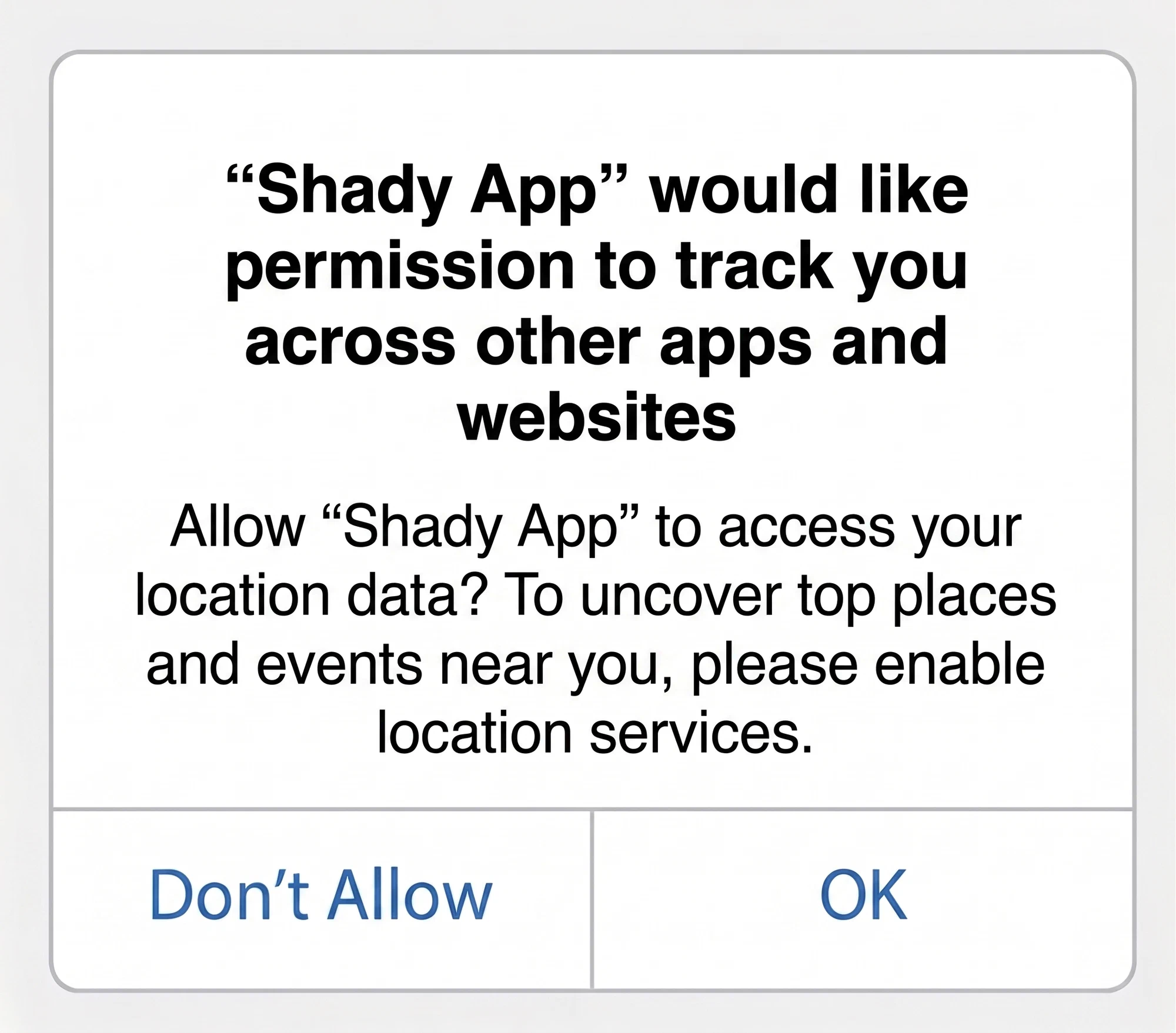
On Android, one permission deserves a hard stop: Accessibility. If an app asks for it, say no. The only exception is a real screen reader from a company you know. Accessibility access lets an app read your whole screen and tap things for you. A huge share of Android banking malware is just that permission plus bad intentions. It is how they steal passwords and grab your two-factor codes.
Same goes for the “free TV” apps and loaded streaming sticks that get passed around here. If it needs you to install something from a random link, it belongs in the “not fine” pile.
Once a year, scroll through your installed apps. Delete anything you do not recognize or have not opened. Fewer apps means fewer doors.
Where our job ends and yours begins
We do a real piece of this. Streamline provides the router, sets it up correctly, and keeps its software current. The box in your house is not running four-year-old firmware with a public list of known holes. That matters more than people think. A lot of home network trouble traces back to gear nobody ever updated.
But no internet company can stop you from typing your password into a good fake. We cannot stop you from installing an app that asks for the keys to your phone.
We install the deadbolt. You still decide who gets a key.
Start with the guest network. It takes two minutes, and it quietly fixes three of the five problems on this list.
Good equipment, kept updated, from people down the road.
Streamline serves LaBelle, Port LaBelle, Felda, Fort Denaud, and Golden Gate Estates. See if we reach your address.
Check availability